Free & Open Source · MIT License

All your apps,
Notihub.

Turn Messenger, Zalo, Gmail, Slack, Telegram, WhatsApp and more into native macOS desktop apps — with real notifications, smart RAM management, and zero background battery drain.
macOS 12+
Electron · Node.js
100% Private, No Telemetry
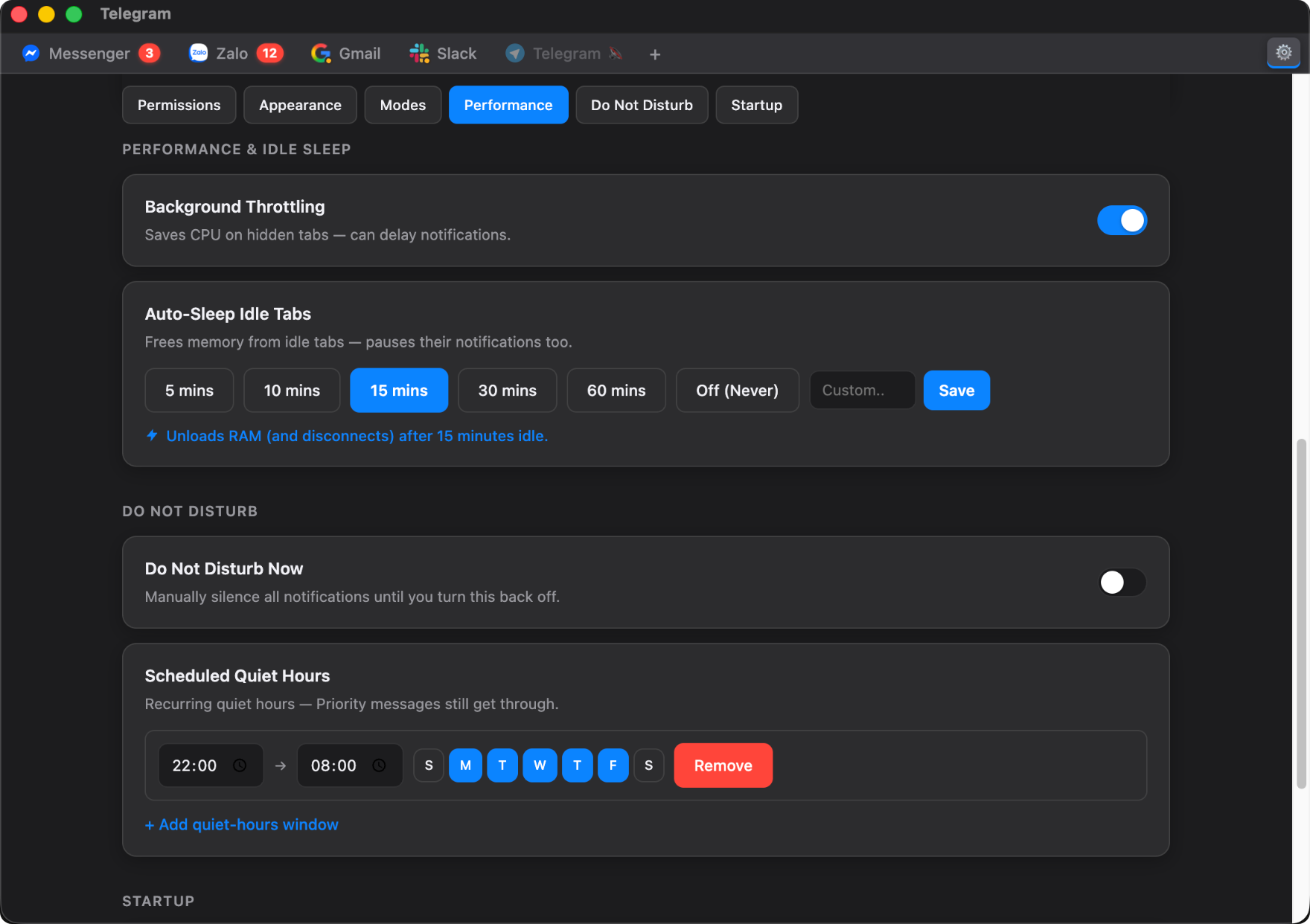
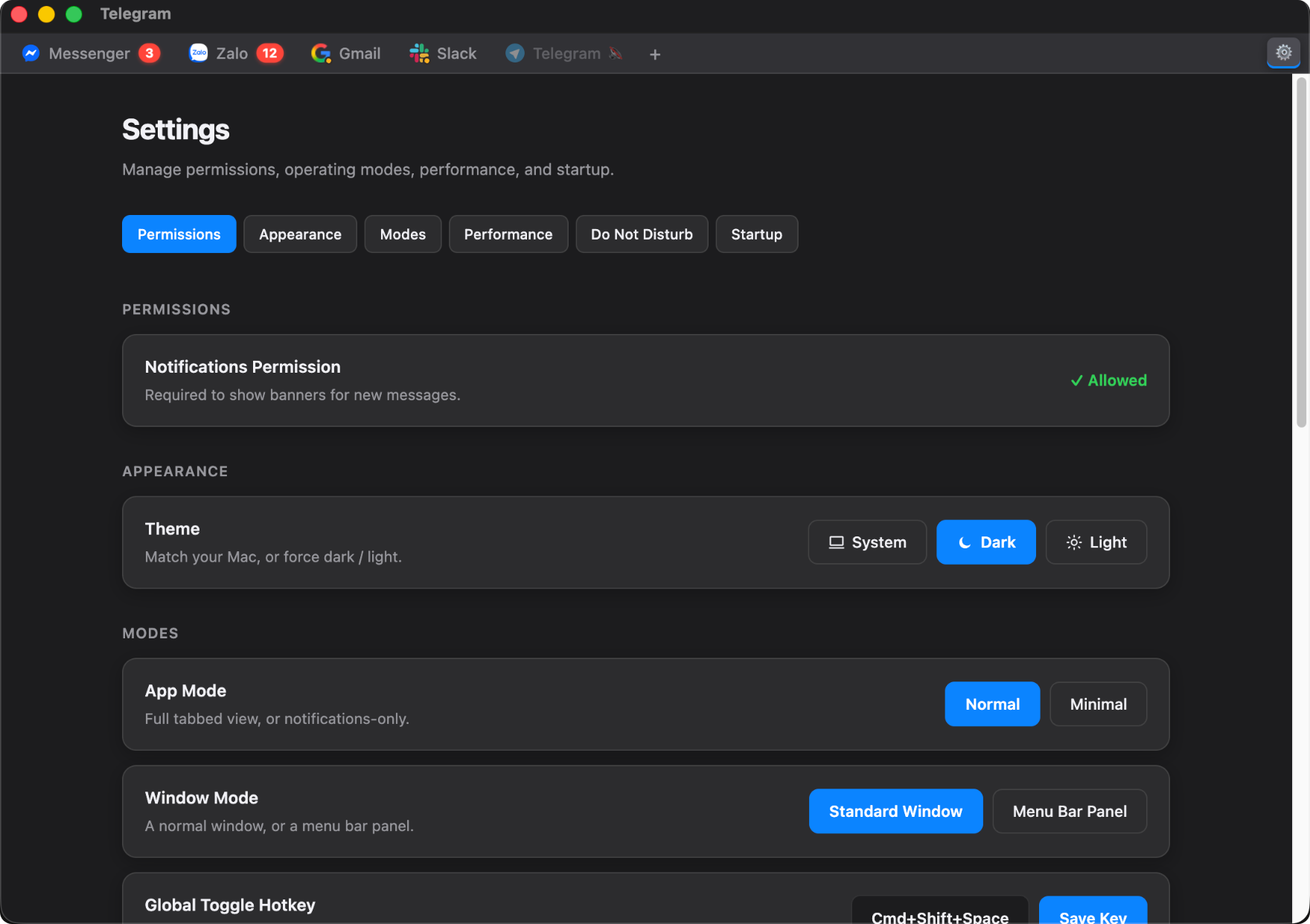
Notihub Settings showing the notification permission and theme controls
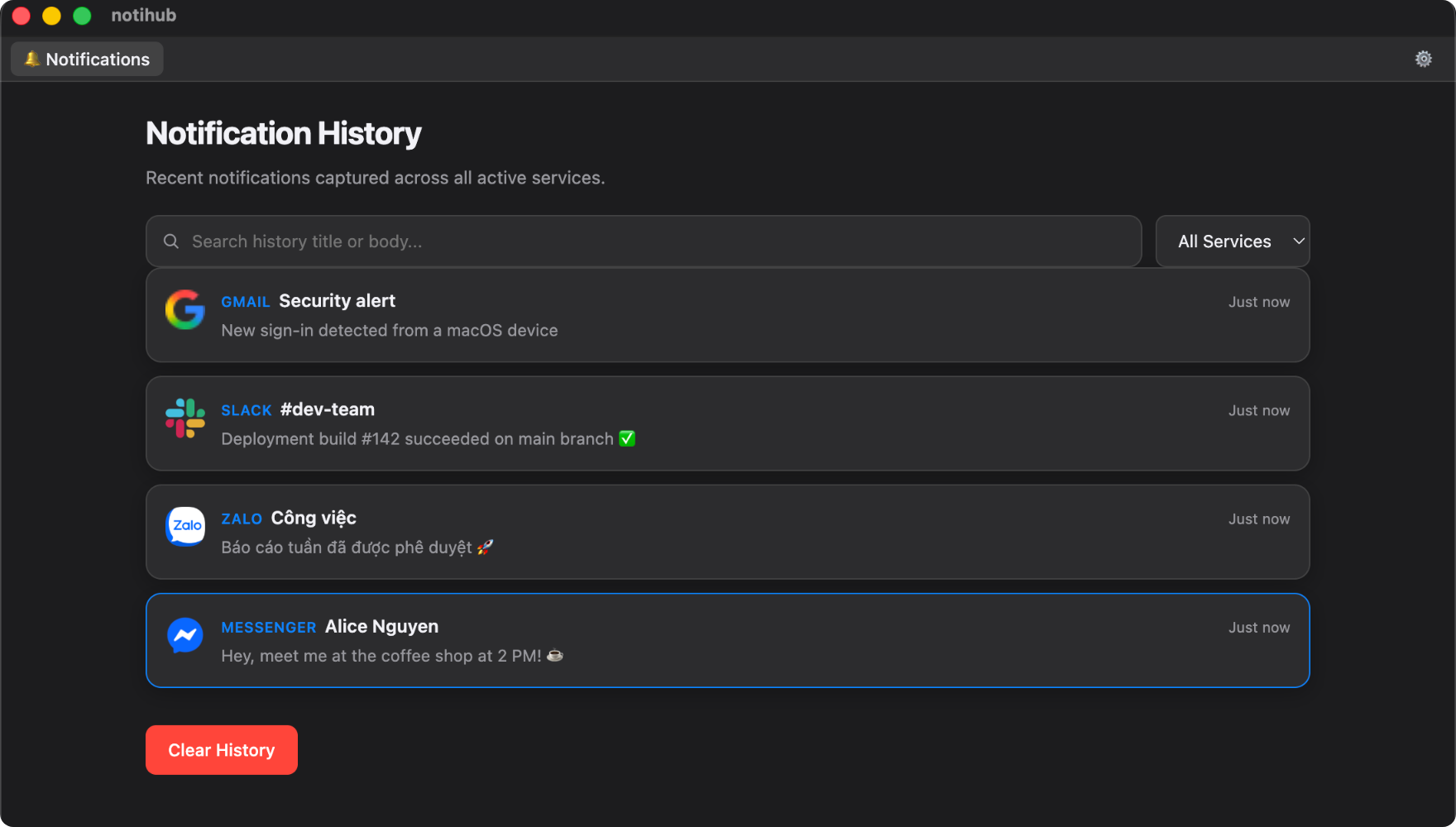
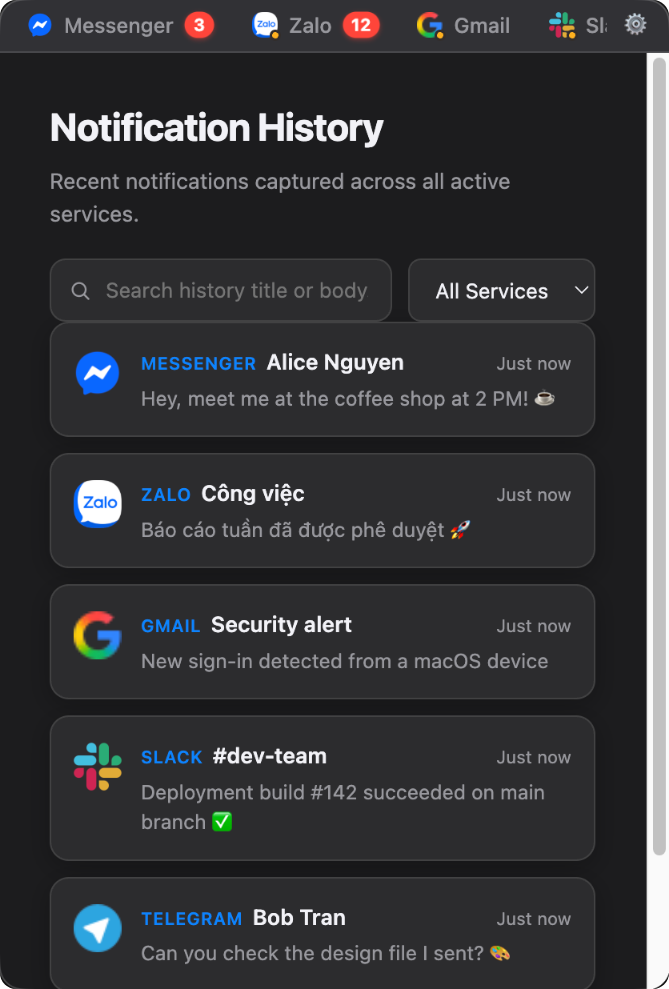
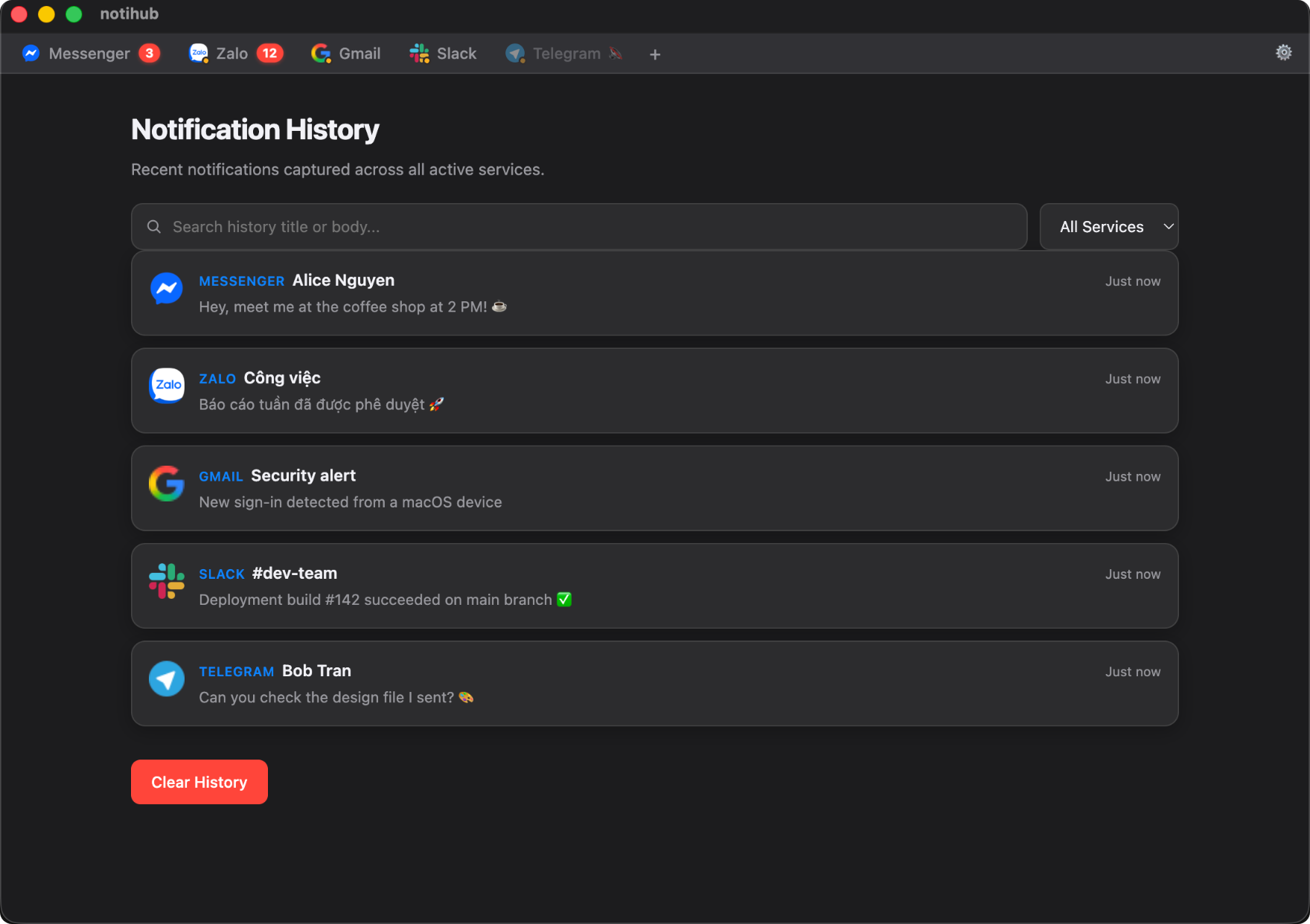
Notihub notification history listing messages from Messenger, Zalo, Gmail, Slack and Telegram
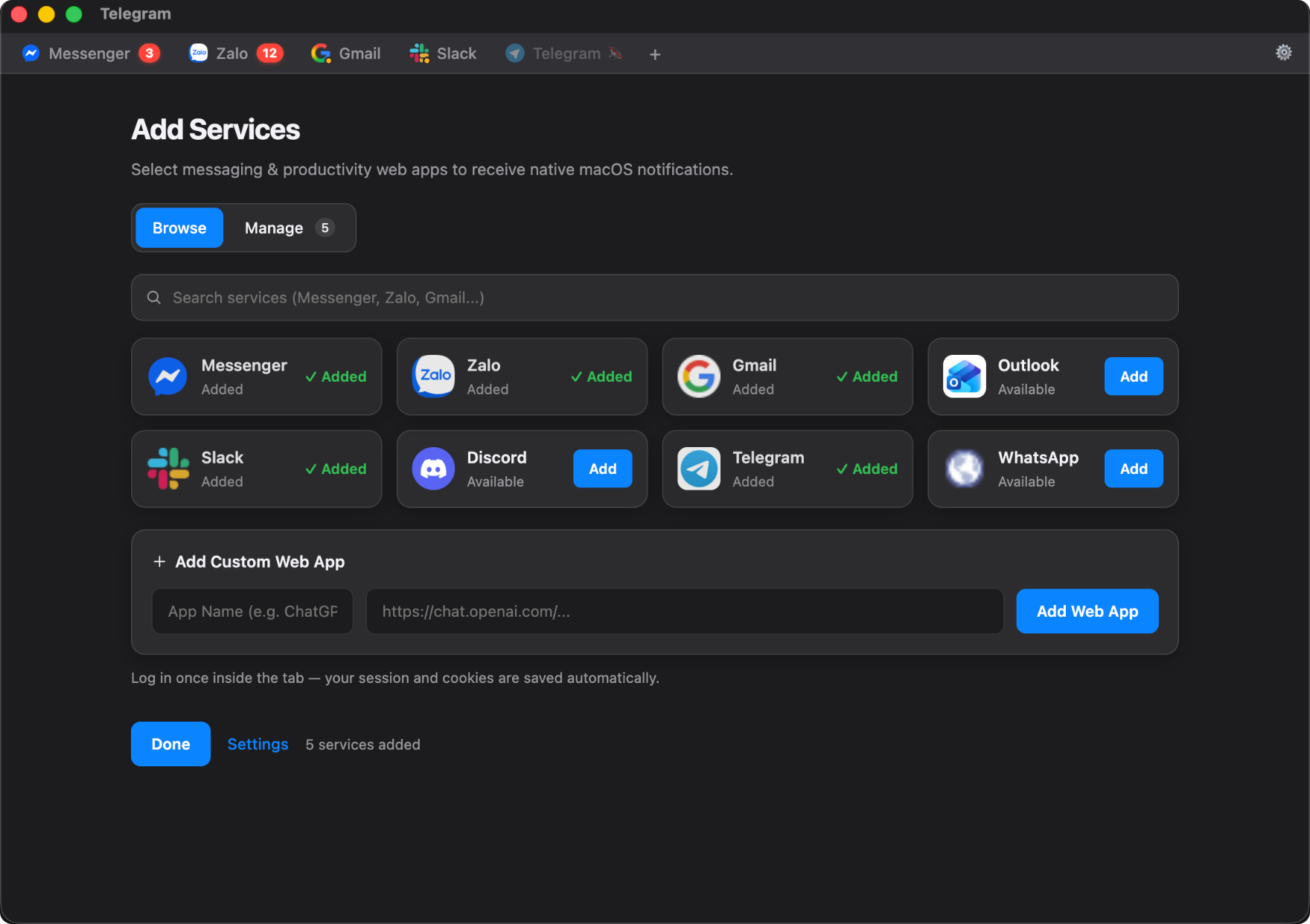
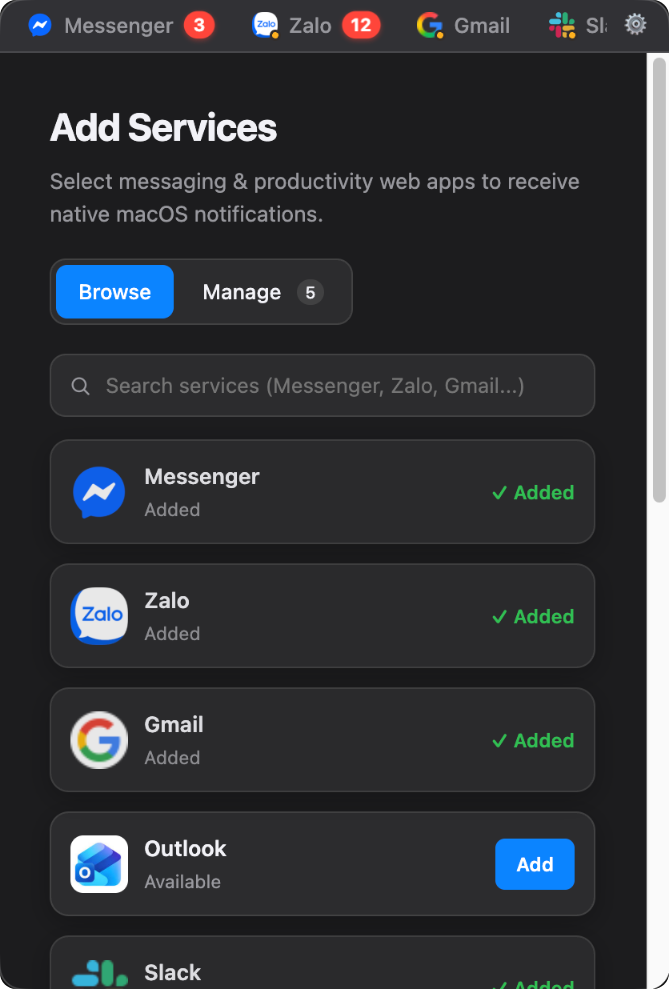
Notihub Add Services panel with Messenger, Zalo, Gmail, Outlook, Slack, Discord, Telegram and WhatsApp

Everything you need,
nothing you don't.

Packed with power-user features while staying lightweight — and every screen below is the real app.

Dynamic Window Modes

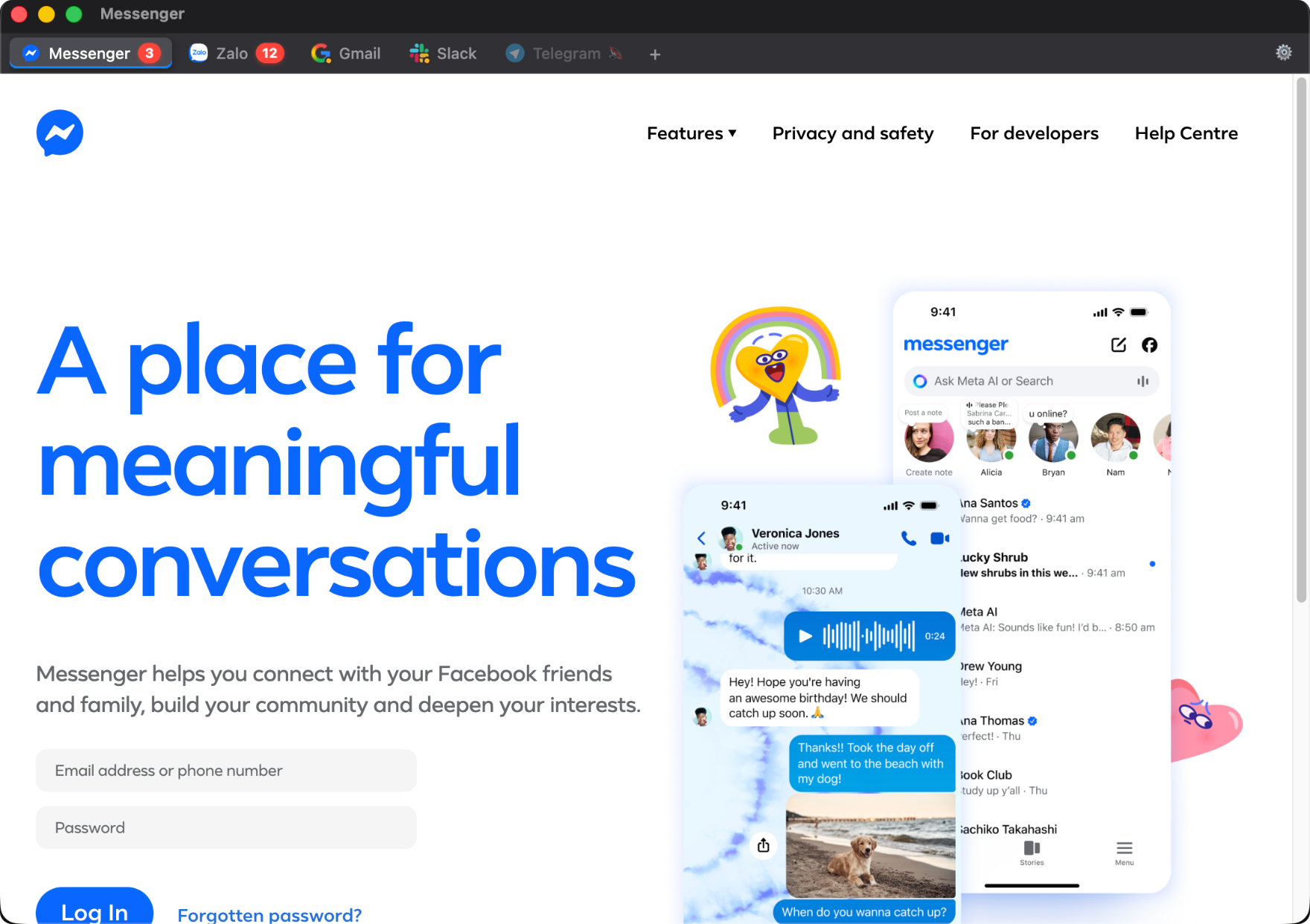
Switch between Standard Window (resizable, with a Dock icon) and Menu Bar Panel (frameless popup under the status bar) straight from Settings.

True Native Notifications

Messages go through macOS Notification Center — respecting Focus and Do Not Disturb — and every one is kept in a searchable in-app history with its service icon.

Smart RAM Auto-Sleep

Unloads a background tab's memory after it has been idle for 5 to 60 minutes — your choice. Switching back reconnects it instantly.

Scheduled Quiet Hours

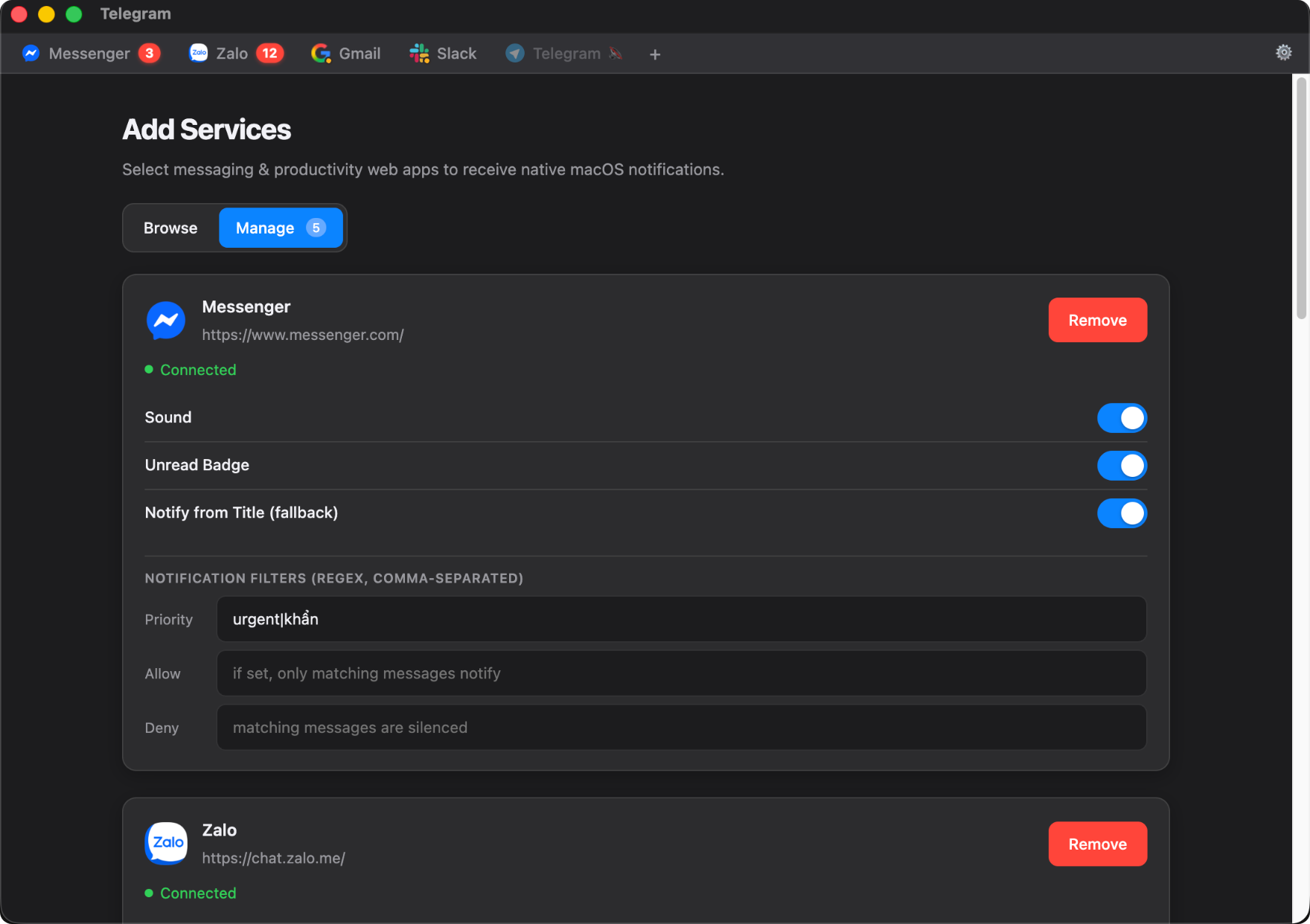
Silence everything on demand, or set recurring quiet-hours windows by day and time. Messages matching a service's Priority filter still come through.

8 Apps + Custom URLs

Works out of the box with Messenger, Zalo, Gmail, Outlook, Slack, Discord, Telegram and WhatsApp — plus any custom web URL.

Status & Auto-Recovery

Every service shows whether it is really connected, gone quiet, or needs sign-in — and a hung or crashed tab reloads itself with exponential backoff.

Hotkeys & CLI Companion

Set any global hotkey (default ⌘⇧Space) to show or hide Notihub from anywhere. A notihub CLI handles scripting and automation.

Set Up in One Screen

One prompt for notification permission, one switch for launch at login, then pick your apps. No account, no sign-up, no telemetry.

Your whole inbox,
out of your way.

Notihub doesn't have to be a window you manage. Run it from the menu bar, or strip it back to notifications only.

Message right from the menu bar

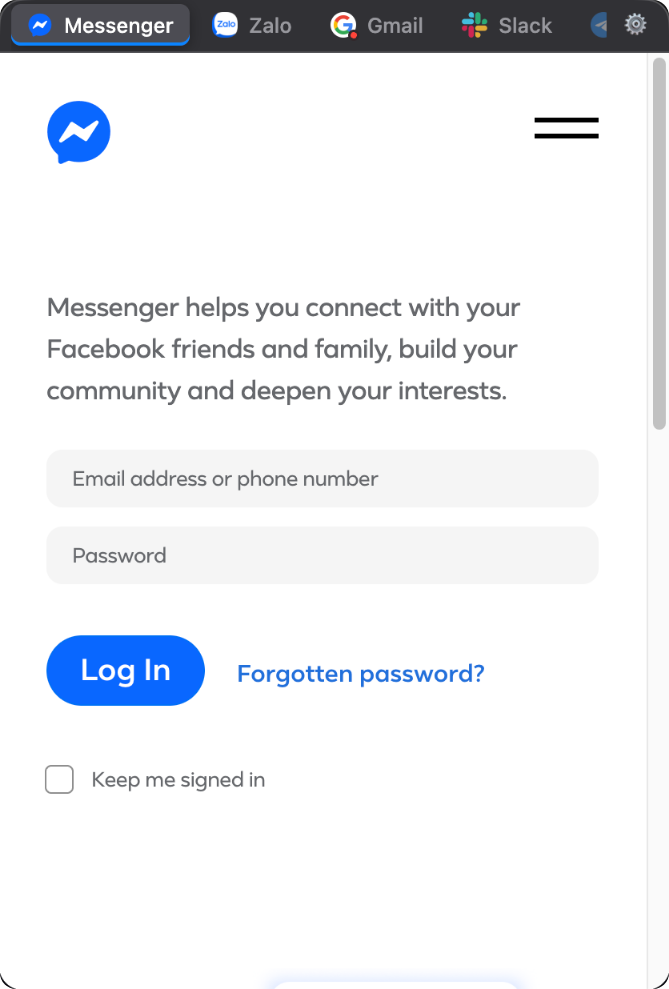
The Menu Bar Panel isn't just an alert list. Click a service tab and it loads full-page and live inside the popup — read and reply without ever opening a full window, then click away to dismiss it.

  • Frameless panel anchored under your status bar
  • Every service tab, unread badges and all
  • Toggle it from anywhere with ⌘⇧Space
Menu Bar Panel with Messenger loaded full-page inside the compact popup

Minimal Mode

Don't want a tab strip at all? Minimal Mode strips the window down to just the notification board and a settings toggle. Your services keep running and notifying in the background — you only ever see what came in.

Minimal Mode showing only the notification history, with no tab strip

All your apps,
one unified hub.

Works out-of-the-box with every major platform. Log in once — sessions and cookies are saved automatically.

Messenger
Full support
Zalo Web
Full support
Gmail
Full support
Outlook Web
Full support
Slack Web
Full support
Discord Web
Full support
Telegram Web
Full support
WhatsApp Web
Full support
Service Native Notifications Unread Badge Deep Link Jump Real Favicon
Messenger Yes Yes Thread 🌐 Official
Zalo Web Via Unread Delta Yes App Focus 🌐 Official
Gmail / Workspace Yes Yes Email 🌐 Official
Outlook Web Yes Yes Email 🌐 Official
Slack Web Yes Yes Channel 🌐 Official
Discord Web Yes Yes Channel 🌐 Official
Telegram Web Yes Yes Chat 🌐 Official
WhatsApp Web Yes Yes Chat 🌐 Official
🔗 Custom Web App Web API Title Regex Web Handler 🌐 Favicon API

Up and running
in seconds.

Three ways to install. Pick what works best for you. Requires macOS 12 Monterey or later.

Method 2

Direct Download

Download the latest release zip, unzip, and drag to Applications.

↓ GitHub Releases

Notihub is signed ad-hoc, not notarized (no paid Apple Developer ID yet), so first launch macOS may say it "is damaged and can't be opened." That's Gatekeeper, not corruption — clear the quarantine flag once to fix it: xattr -dr com.apple.quarantine /Applications/notihub.app

Method 3

Via npm

Installs the notihub CLI (notihub add, notihub list, notihub notify, …).

npm install -g @thuong180702/notihub

CLI only — pair it with Method 1 for the packaged app. macOS blocks notifications from an unpackaged Electron run, so without the Homebrew cask installed this falls back to a dev-mode window that can't notify.

Ready to simplify your workflow?

Join developers and power users who've unified their messaging. Free forever, open source always.